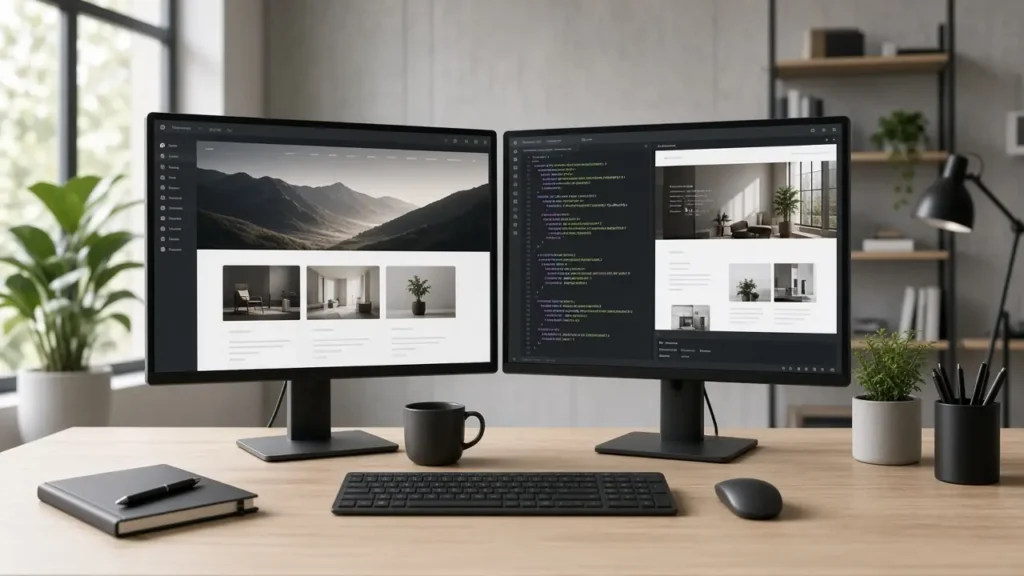
WordPress website development in 2026 is less about installing a theme and more about building a durable publishing system: clear page goals, a lean plugin stack, and an edit workflow your team will actually keep.
If you searched for how to launch a professional site this year, start with outcomes—leads, bookings, or content velocity—then choose hosting, theme approach, and security controls that protect those outcomes.
What WordPress website development should deliver
A professional build maps primary journeys (services, proof, contact, resources), defines who publishes weekly, and keeps integrations (CRM forms, analytics, chat) reliable under load. Skip vanity plugins until the core path converts.
Document information architecture early so marketing campaigns do not fight redirects later. Use staging for every meaningful update, and treat accessibility on forms and navigation as launch criteria—not a polish pass.
Hosting and build choices that support WordPress website development
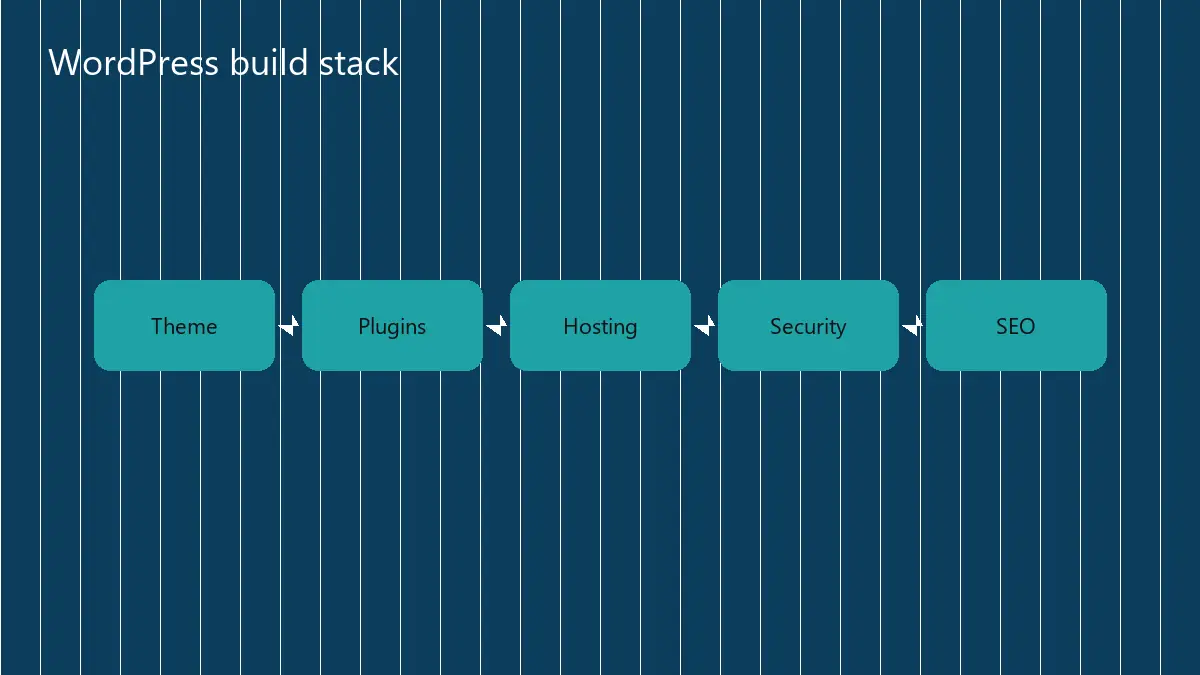
Managed WordPress hosting fits teams without a sysadmin. Classic themes plus native blocks stay fast; builders trade weight for layout speed. Headless setups only pay off when you truly need multiple front ends.
Prefer HTTPS, modern PHP, object cache when membership or dynamic shopping is involved, and a short written plugin policy. Every extra extension is a future update risk.
| Approach | Best for | Watch-out |
|---|---|---|
| Managed host | Marketing sites with frequent edits | Less server control |
| Blocks-first theme | Speed and maintainability | Custom layouts need care |
| Page builder | Rapid landing tests | Heavier JS and updates |
| Headless | Multi-channel apps | Higher ops cost |
Security, performance, and launch checklist
Lock roles tightly, enable 2FA where possible, stage updates, and monitor form delivery. After go-live, baseline Search Console and analytics so improvements are measurable.
For deeper help, compare official WordPress documentation with performance checks on web.dev, then align delivery with web development services when you need a partner.
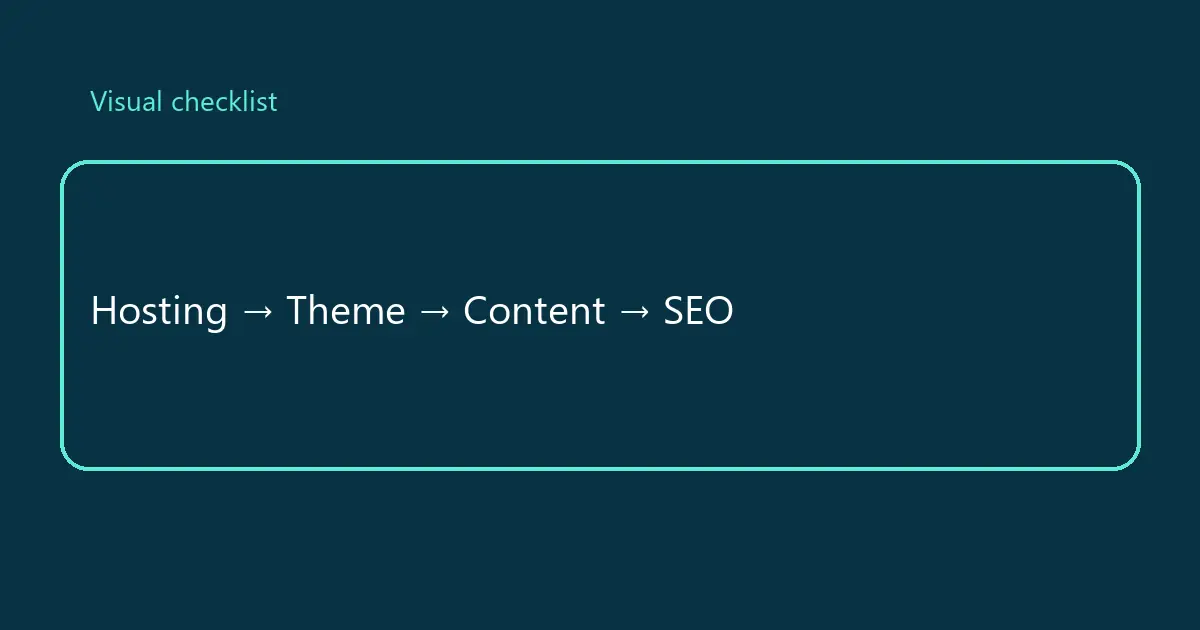
Keep a one-page runbook: backup schedule, staging URL, plugin owners, and who approves launches.
- Staging mirrors production plugins
- Backup restore drill completed
- Forms route to the right inbox or CRM
- 404 and redirect map documented
Operational habits that keep WordPress website development healthy
Create a monthly maintenance window for core, theme, and plugin updates on staging first. Capture screenshots of critical templates before and after so regressions are obvious.
Treat content models as product decisions. Custom post types for case studies or locations beat stuffing everything into pages when editors need filters and archives. That is where WordPress website development becomes a system rather than a brochure.
Establish a media policy: WebP or compressed JPEG, max dimensions, and descriptive alt text written by humans who understand the page goal.
Separate marketing experiments from the production theme when possible. Landing page kits should not force fragile global CSS that breaks service templates.
Instrument forms with delivery logging. A pretty site that silently drops inquiries is worse than an ugly site that books calls. Mature WordPress website development includes operations, not only design.
Review Search Console coverage monthly. Soft 404s, redirected chains, and orphan pages quietly drain crawl attention and confuse analytics attribution.
Keep a vendor list: host, DNS, email, CRM, analytics. When something breaks at 9pm, you need accounts and owners—not Slack archaeology.
Implementation checklist you can run this month
Block ninety minutes on the calendar with the decision maker and the person who does the daily work. Map the current path on a whiteboard, circle the handoffs that fail, and pick one improvement that can ship in two weeks without a committee.
Assign a single owner, write the success metric in one sentence, and schedule a review date before anyone opens a tool catalog. If the metric does not move, change the approach—not the slide deck.
Publish a short internal note after each iteration: what changed, what broke, what customers noticed. That archive becomes training material and keeps WordPress website development knowledge from living in one person’s head.
Finally, align your public pages and sales conversations with what the system can truly deliver. Overpromising creates support debt that no marketing channel can fix.
Practical 30-day action plan
Week 1: write the outcome metric, inventory current tools, and list the top three failure points with examples from the last month. Keep the list visible to whoever owns delivery.
Week 2: ship the smallest change that removes one failure point—template fix, automation, script, or process rule. Avoid parallel initiatives that dilute attention.
Week 3: measure results against the baseline, interview two people who use the workflow daily, and document surprises. Adjust scope based on evidence, not preference.
Week 4: package what worked into a checklist, train a backup owner, and schedule the next review. Systems that depend on one hero fail during vacations.
If leadership asks for a bigger transformation mid-sprint, park it on a backlog with a cost note. Momentum comes from finished loops, not larger slide decks.
Share a one-page summary with stakeholders: metric moved, cost in hours, risks remaining, and the next bet. Clear writing protects budgets and trust.
Common mistakes to avoid
Do not buy tools before the workflow is written. Software cannot fix an undefined handoff.
Do not skip training and ownership. Unowned systems return to spreadsheets within a quarter.
Do not optimize vanity metrics. If a chart cannot change a weekly decision, it is decoration.
Do not launch without a rollback path. Fast recovery beats perfect first releases.
Do not hide constraints from stakeholders. Transparent scope builds longer client and leadership relationships than optimistic silence.
Keep a living changelog for stakeholders: what shipped, what is blocked, and what decision is needed next. Written status reduces meeting load and keeps momentum when people work across time zones.
When priorities collide, protect the metric you chose in week one. Adding three new initiatives mid-cycle usually resets learning to zero and trains the team that plans are optional.
Close the loop with a short retrospective: keep, drop, try next. Ten honest minutes beat another hour of status theater.
Frequently asked questions
How long does a professional WordPress site take?
Most brochure or service sites land in 3–6 weeks once content and brand assets are ready; custom features extend the timeline.
Do I need a page builder?
Only if your editors need highly varied layouts weekly. Many professional sites stay faster on blocks plus light custom CSS.
What hosting matters most?
PHP version support, daily backups, staging, and good TTFB matter more than marketing labels on plans.
How do I keep the site secure?
Limit admin users, update on staging first, remove unused plugins, and monitor uptime plus form delivery.
Ready to ship a cleaner build?
Talk with Jazeb about WordPress web development, CMS development, or start a project.